Projects & Datasets
The application organises research into Projects — containers that group related Datasets and their analysis results.
Managing Projects
Create a project to keep related work together; each project stores a name, a research description, and experiment metadata.
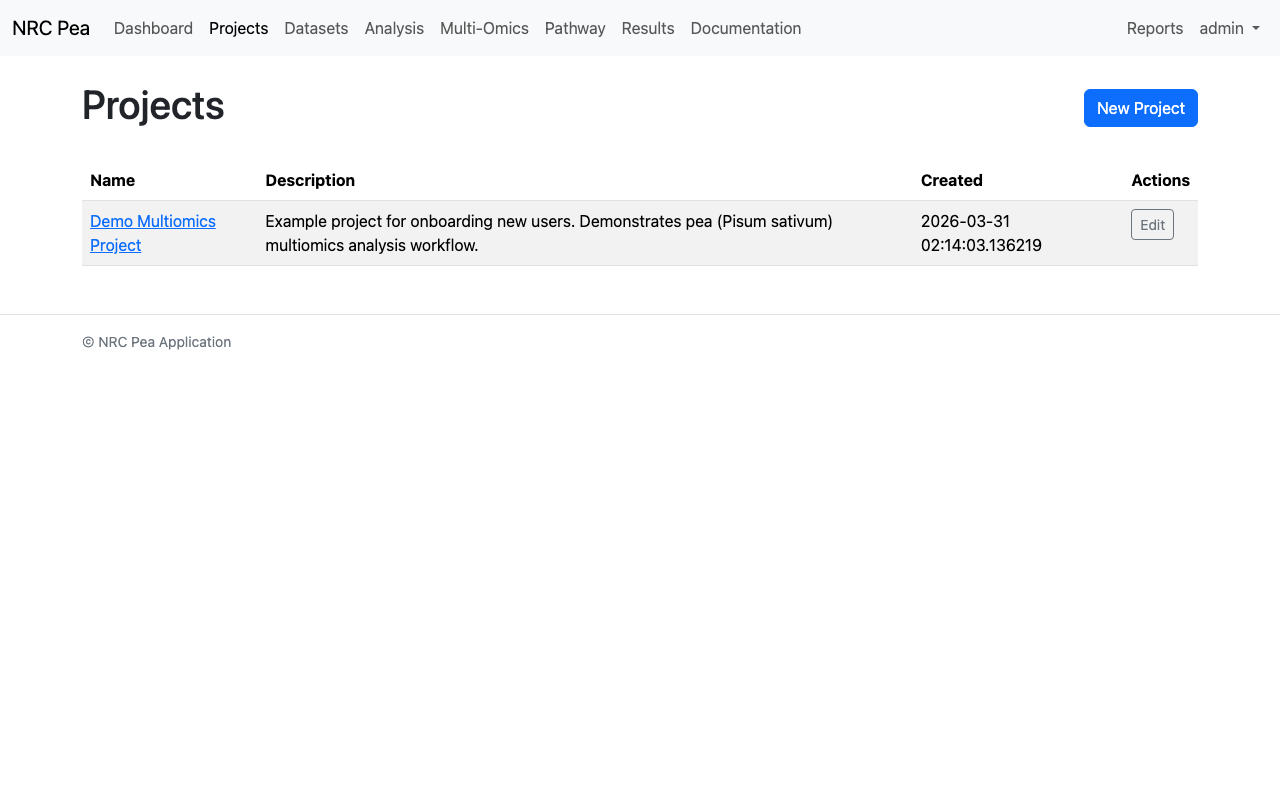
Project Management Interface
Create, rename, and organise projects, and review the datasets assigned to each one.
Uploading & Selecting Datasets
Datasets are uploaded into a project, or kept standalone. The uploader accepts tabular files for any data layer — field measurements, genomics, proteomics, or metabolomics.
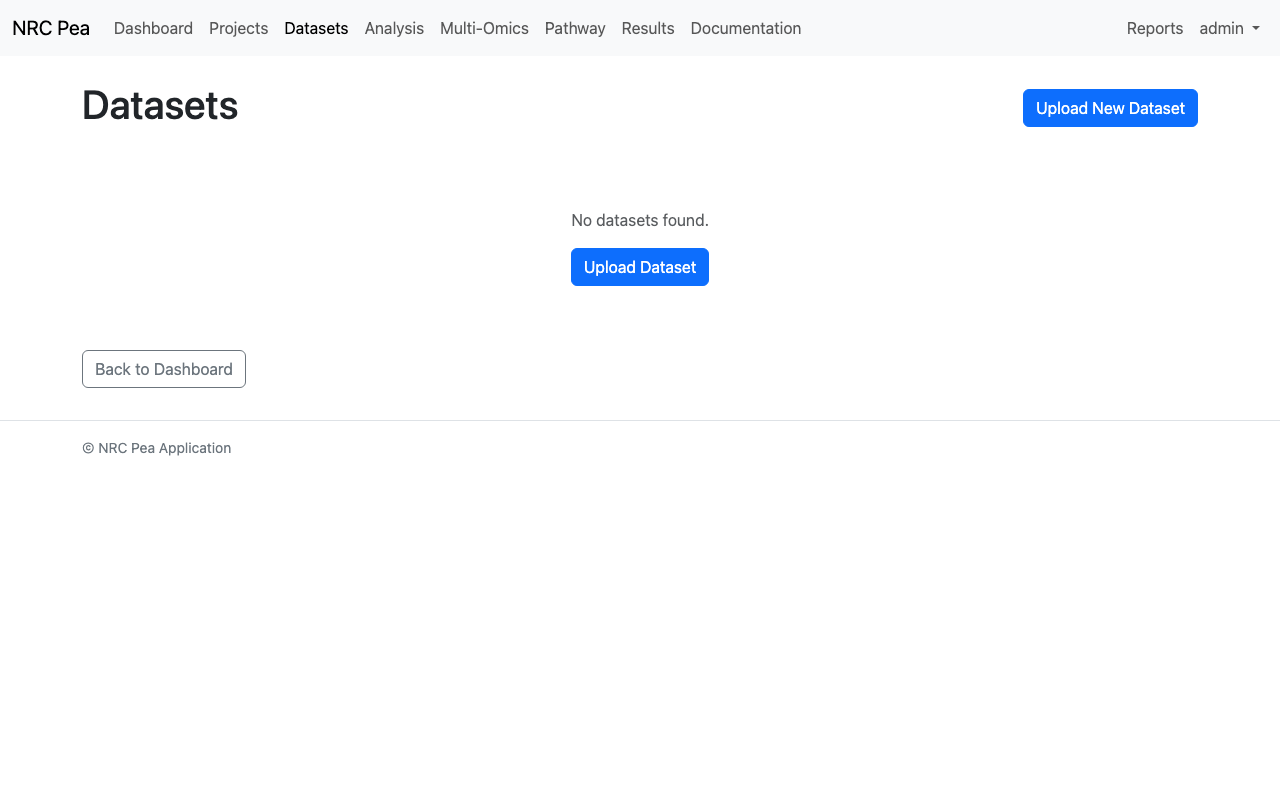
Dataset Administration
Upload CSV/Excel files, browse uploaded datasets, and open the dataset editor.
Upload Parameter Guide
Reference for the data ingestion and management parameters used when adding new datasets to the platform.
Dataset Identifier
A unique, human-readable name for tracking your data across different projects and analysis results.
Source File Selection
Accepts structured tabular data: CSV, TSV, TXT (tab- or comma-delimited text), XLSX and XLS spreadsheets, and JSON table files. The platform automatically parses the first row as feature headers.
Assign to Project
Optionally attach a dataset to an existing project so related data and analysis results stay grouped together. Leave blank for an unattached dataset.
Merge & Editor Parameter Guide
Reference for the dataset merge and dataset editor parameters.
Primary Dataset (A)
The base dataset in a merge. With a Left join, all of its rows are preserved in the result regardless of matches.
Secondary Dataset (B)
The dataset joined onto the primary one. Matching non-key columns may be suffixed to avoid name collisions.
Join Key Column
The shared column used to match rows between two datasets. Auto-detect picks the first column name present in both files.
Join Type
How rows are combined: Inner keeps only matching samples, Left keeps all primary rows, Outer keeps every row from both datasets.
Merged Dataset Name
The name assigned to the new combined dataset created by the merge.
Save Name
The name given to the edited dataset copy produced by the dataset editor. The original dataset is never modified.